If you’re just getting started in the world of Forza Horizon 6, get ready: the Horizon Festival will greet you not only with beautiful views but also with a fierce battle for the title of Festival Legend. To reach the Isle of Legends, you need bracelets. The most obvious way to earn them is by winning races. But it’s not the only one.
The developers have added a bunch of other activities that also earn bracelets and “Discover Japan” stamps. These include PR stunts, story-driven adventures, secret hangars with loot, and even treasure cars hidden throughout the map. It’s really hard to keep track of all this, especially if you’re new to a festival of this scale. So remember these ten simple but effective tips—they’ll help you level up quickly.
Table of Contents
Basic Rules and Secrets for Playing Forza Horizon 6
-
Enter corners slowly and exit them quickly. This formula works in any race.
-
Follow the racing line: it’s there for a reason, it’s designed for efficient completion.
-
Don’t get stuck on the pedals. Constantly pressing the gas or brake is a bad habit.
-
Enable auto-upgrades if you don’t want to mess with tuning. Your car will instantly become faster.
-
Check your collector’s journal often—pleasant bonuses are scattered there.
-
Buy houses in the game first: each has its own useful buff.
-
Take photos of cars—they’re the easiest way to earn Horizon Festival points.
-
Explore the map: opening the fog gives you experience and credits.
-
Autopilot and drone mode aren’t useless features, but truly handy tools.
-
Fast travel is now free. Use it actively—it saves a ton of time.
The Technique for Taking Corners Correctly in Forza Horizon 6

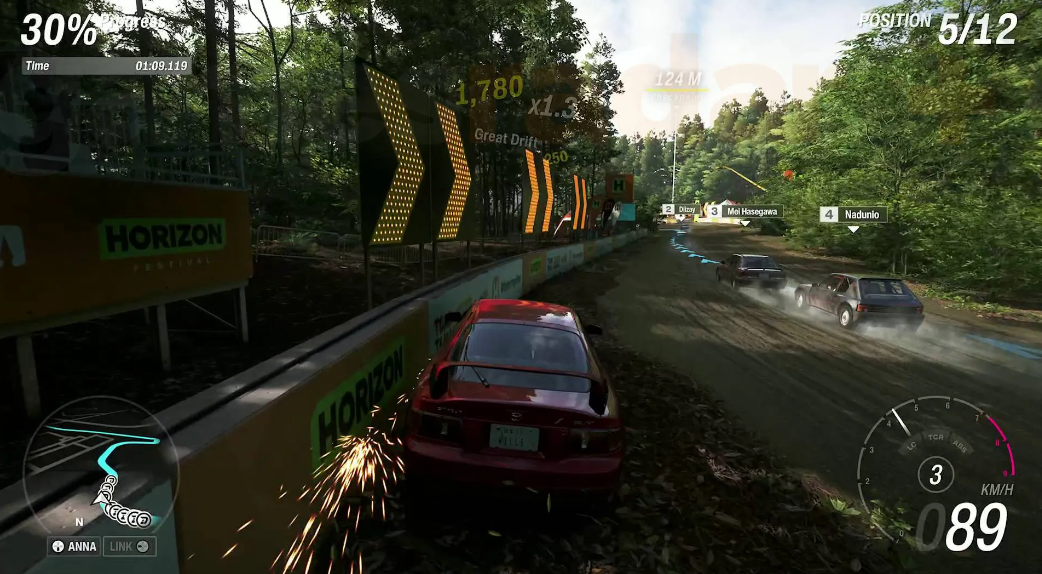
The “slow entry, fast exit” principle is a must-know for everyone here. It’s simple: approach the corner at a reduced speed, gently turn the steering wheel, and when the car begins to straighten out, floor the gas. This ensures the fastest possible exit without skidding or wasting time.
The problem is that you need to feel the ideal braking point and the correct entry speed. Learn from experience and practice. No auto-assist will save you here.
By the way, the same principles apply to the next two techniques. But more on them later.
Setting up a racing line and driver assists

The “slow entry, fast exit” principle will only work properly if you use the racing line in Forza Horizon 6 as a reference. The line colors—blue, yellow, and red—tell you when to brake before a turn, where the apex (the closest point to the inside edge) is, and when to press the gas again.
By default, the line is enabled, but experienced drivers often switch it to “Brake Only” mode. Then, the line appears only when you’re going too fast before a turn—a kind of strong hint that it’s time to slow down.
By the way, FH6 has plenty of other assists: assist settings, steering sensitivity, blind spots—all of these are worth tweaking to suit your needs. First, head to the “Settings” section, then to “Controls.” Playground Games’ default presets are good for pretty screenshots, but definitely not for confident driving. Take three minutes to calibrate now to avoid flying off the track every other run.
Setting Deadzones and Steering Sensitivity in FH6
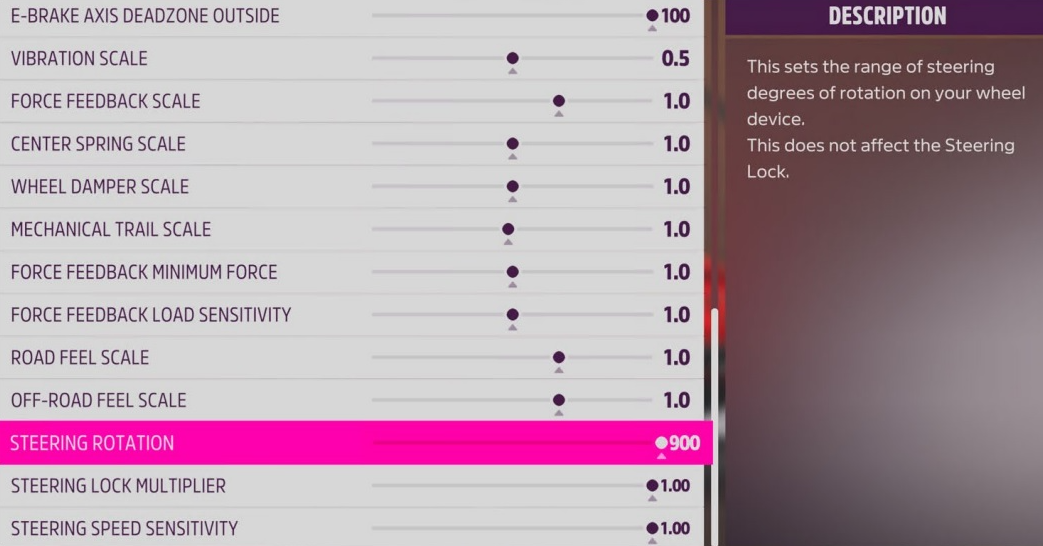
Many people ignore the “Advanced Control Settings” tab—and they should. This is where the main cause of uneven trajectory lies. If your car is inexorably pulling to one side even on smooth pavement, know that it’s not a physics bug, but rather simple controller stick drift. Increase the “Inner Deadzone” parameter from zero to at least 10-15.
Keep the “Outer Deadzone” at 100 or slightly lower. Reduce this value further, and you’ll experience overly sharp steering response. For a beginner, this guarantees uncontrolled drift. Throttle and brake trigger sensitivity, in turn, are individual. The default 50 works well. However, if the triggers feel twitchy, feel free to reduce it to 35-40. This will ensure a smooth acceleration without unnecessary wheel spin.
By the way, owners of Thrustmaster or Fanatec devices will have to play by a different set of rules. Disable ABS and traction control immediately! With a normal steering wheel, the pedals provide the necessary feedback automatically. Built-in assistance will only interfere with the hardware.
Force Feedback Settings for Wheel and Gamepad
Steering wheel feedback in FH6 works not as a cosmetic vibration, but as an active information channel. The developers cleverly divided the feedback into two sliders: “Road Vibration” and “Collision Vibration.”
Riding with a gamepad? Set the road to 60-70, and dampen impacts to 40. With these settings, you’ll begin to tactilely sense the moment your tires lose traction a split second before the car starts to slide. A great solution for keeping your nerves at bay.
The Best Driver Assistance and Control Assists for Beginners
There’s no shame in electronic assistance. Even seasoned eSports athletes once built their understanding of physics on this foundation. Set the following values:
-
ABS: On. Forget about locked wheels during emergency braking. The car will decelerate smoothly—without the treacherous jerks into a ditch.
-
Traction Control: On. Perfectly dampens excess slip when you floor the pedal exiting a tight corner.
-
Stability Control (STM): On. Indispensable on wet surfaces. Automatically corrects unintentional skids.
-
Steering: Normal. (Just don’t use “Simulation” yet.) The standard mode smooths out corners well.
-
Race Line: Full. Leave it like this until you’ve learned the apex points. Are you used to the routes? Switch to “Brake Only.”
How to use the throttle and brakes correctly in Horizon racing?
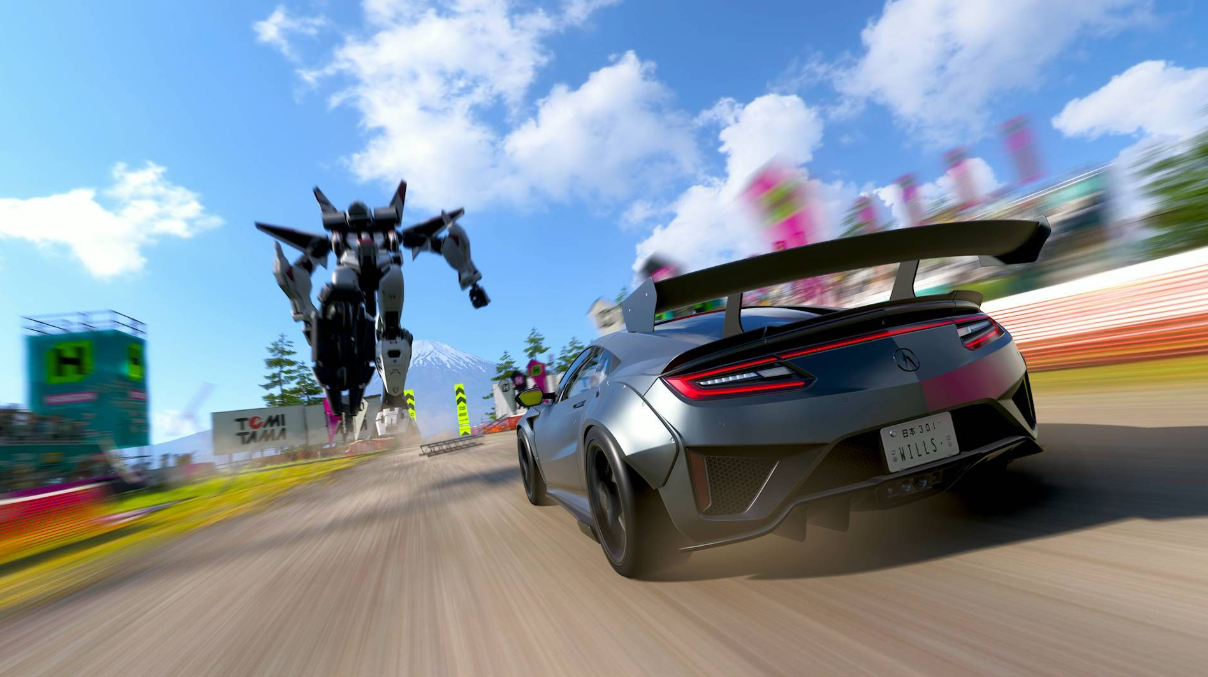
On a gamepad, it’s easy to floor the throttle and forget about smoothness. The problem is that full throttle often results in wheel spin, terrible acceleration, and loss of control. This is especially noticeable on the fastest cars in Forza Horizon 6—they become uncontrollable.
Brakes also don’t tolerate sudden movements. Hit the brakes, and the steering wheel locks up, sending the car into a skid. The result: instead of a graceful corner, you end up flying into a barrier. Get used to pressing the triggers more slowly, sometimes not all the way down. For many turns, a quick, short press of the brake or simply releasing the throttle and coasting is sufficient. This results in smoother driving and, surprisingly, better results.
Automatic Tuning and Quick Car Upgrades in Forza Horizon 6
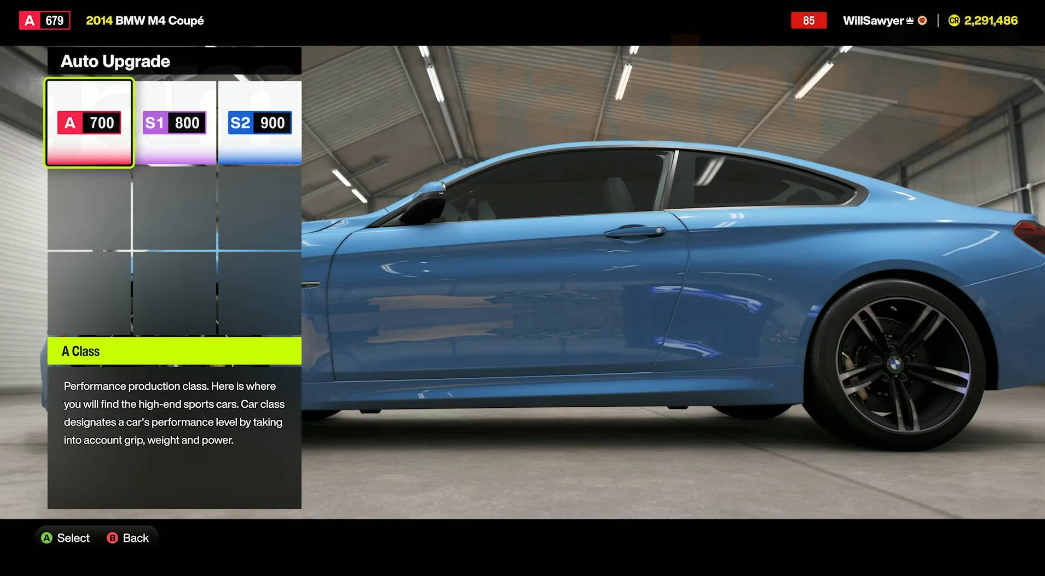
Don’t want to spend hours in the menu with parts and suspension settings? The in-game auto-upgrade option is a perfectly viable option. You drive your car into the garage or the Horizon Festival area, press a button, and the system automatically boosts performance to the maximum for the current class.
For example: a C-class car up to 500 points, or an S2-class car up to 900. Upgrades are usually inexpensive, but the payoff is noticeable. Of course, you can manually squeeze even more performance points. But then the question arises: is it really worth it? Sometimes it’s easier to buy a new car than spend a bunch of credits on major upgrades to an old one. Especially if the car has already seen its share of the day.
Why buy houses in Forza Horizon 6 and what bonuses do they provide?
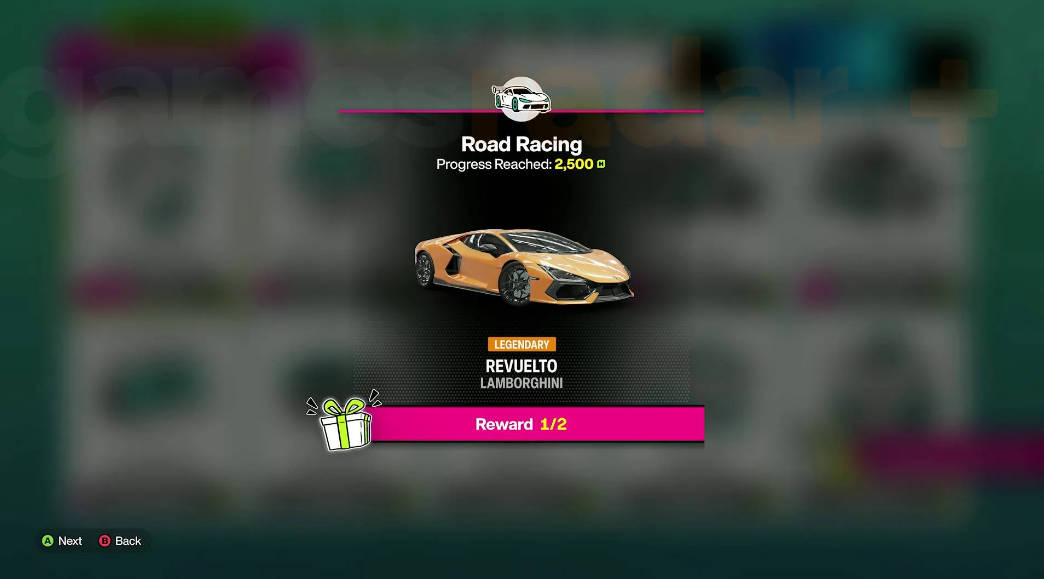
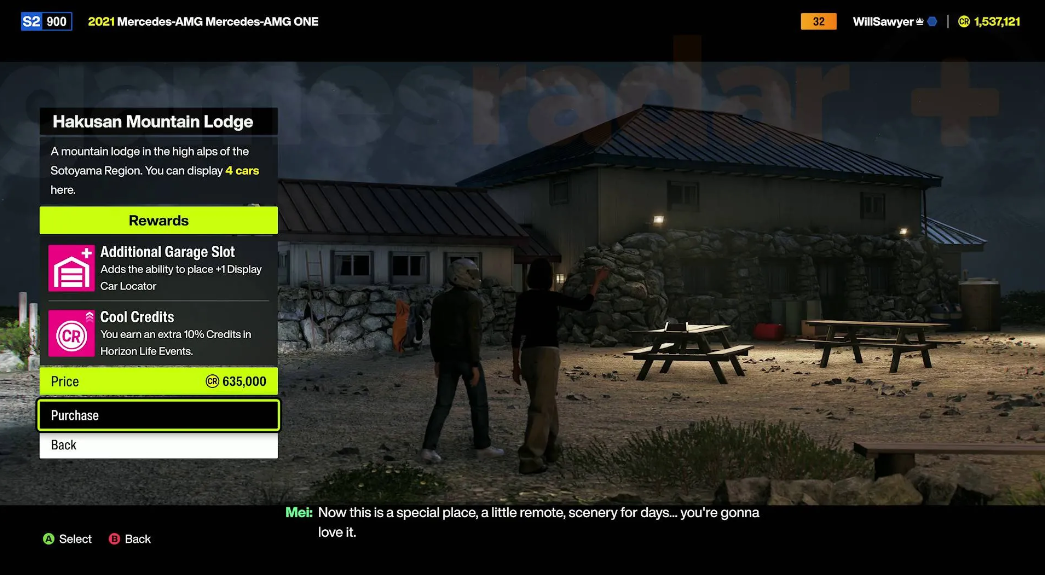
It sounds strange for a racing game, I agree. But in Forza Horizon 6, real estate matters. Each house provides a unique buff: from a free daily spin of the wheel of fortune to increased credits for certain disciplines. Buy a house and get a passive performance boost. Spending your first millions on yet another hypercar? A questionable decision. It’s better to register a couple of mansions – they’ll pay for themselves in a couple of evenings.
Farming Credits and Rewards through the Collector’s Journal
There’s nothing complicated about it. Go to the “Campaign” menu and open the journal. There are two sections: Horizon Festival progress and the “Discover Japan” program. Each contains a series of tasks. Rewards include credits, cosmetics, and sometimes even entire cars for your garage. And most importantly, rewards don’t just fly in; you have to claim them manually.
Check in every couple of hours to claim your prizes. How do you earn points for bracelets? Participate in races, any events, and complete Stories. Stories, by the way, also teach you how to drift if you join a local drift club. At the same time, you’ll accumulate stamps and “Discover Japan” points—they unlock secret hangars. The combination works flawlessly.
How do I quickly earn Festival Points through Promo Mode?
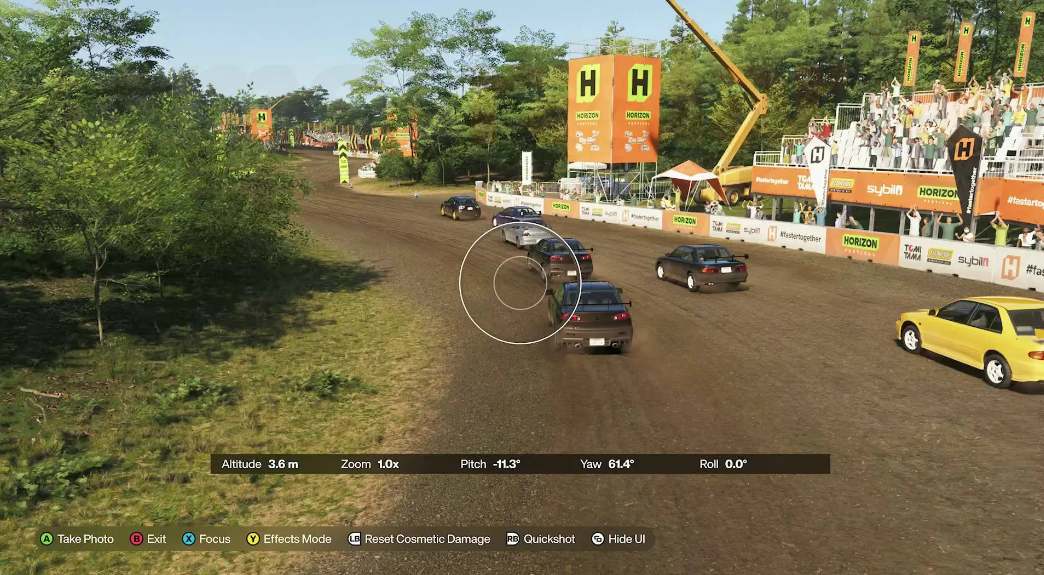
The “Promo” feature is an underrated credit-based feature. See a car with a camera icon above its roof? That means you haven’t snapped it yet. One snapshot earns you 10 Festival Points. It sounds like a small thing, but before each race, there are dozens of cars on the starting grid. Snapping them all takes just a second. Ten races will earn you a couple hundred points—and that’s a fast track to a new wristband. No unnecessary effort. It’s just a habit.
Exploring the Map of Japan and Earning Currency Fast
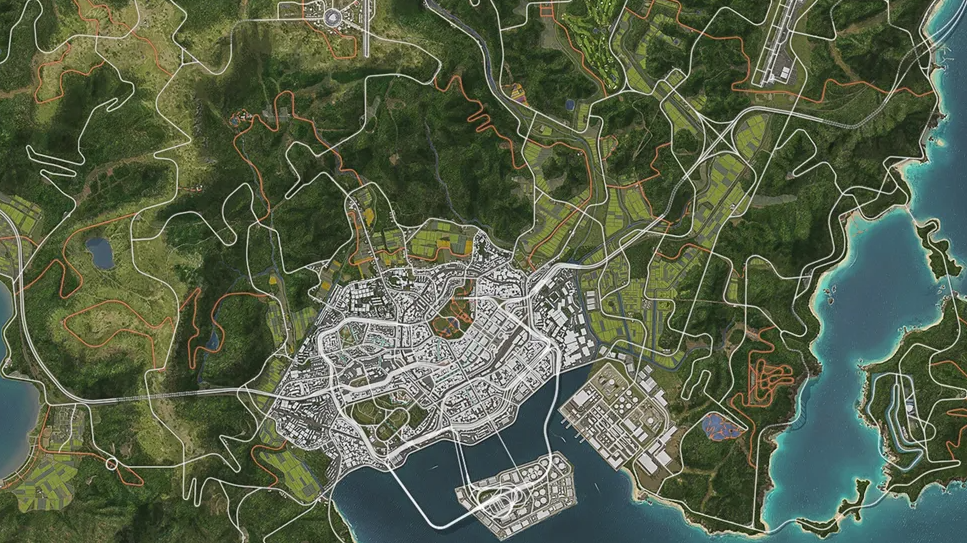
In Forza Horizon 6, exploring locations is more profitable than ever. Every 25% of a region cleared earns you 25,000 XP and 30,000 CR. Completely unlock all districts? Earn over a million credits. And it’s not the boring chore it seems.
The secret is that the game automatically regenerates the map once you’ve covered approximately 70–80% of a region. The exact threshold varies depending on the location—sometimes earlier, sometimes a little later. But you won’t have to worry about it.
And here’s another life hack that really speeds up the process. Enter photo mode immediately after the race starts (the “Up” button on the D-pad). Click on a few cars on the starting grid using RB/R1. This isn’t just for the “Promo” mode. Taking photos helps the fog clear faster, you won’t even notice.
Regime drone and autopilot for finding secret hangars
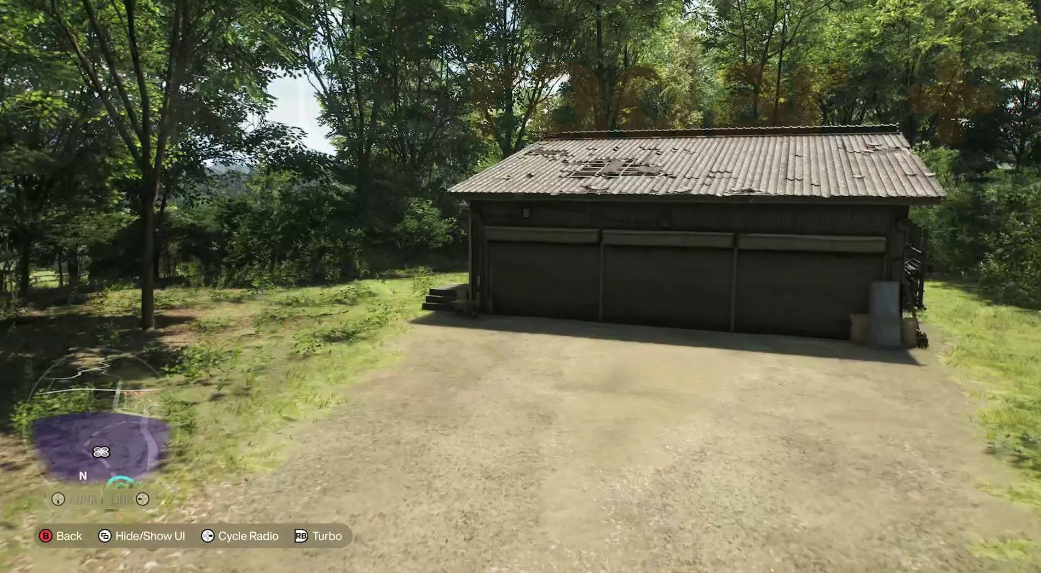
ANNA’s assistant is now truly useful. Many people ignored it before—and in vain. Press “Down” on the D-pad, then “Up” to activate drone mode. Want autopilot? Press “Left.”
The drone is great for finding secret hangars and treasure cars. In previous games, this feature was buried in the menu, requiring scrolling. Now it’s right at your fingertips. Autopilot is useful when you don’t feel like driving or need to put the controller down for a few minutes. To pour a coffee, for example. Or to reply to a message.
Free fast travel around the map in Forza Horizon 6
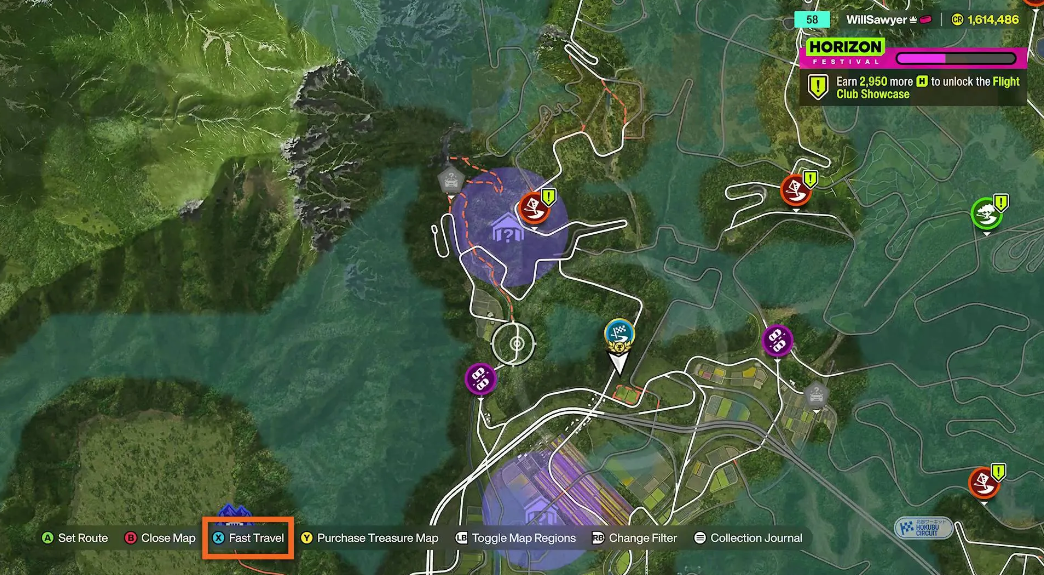
This is where the developers really listened to the fans. Teleportation fees are a thing of the past. No credits, no extra charges. Travel to any point on the road you’ve already traveled. Gray roads are inaccessible—it makes sense, you’ve never been there. Hover your cursor over the map, press X (on Xbox) or Square (on PS5), and you’re there. Convenient, fast, and hassle-free.